

Connect GitHub
Connect your spiceuseai.us app to a GitHub repository
Prepare the repository
Before connecting:
Admin access: Ensure you have administrative access to the GitHub repository. This level of access is required to install the spiceuseai.us GitHub app.
Matching repository name: The spiceuseai.us app and the GitHub repository names must match. For example:
spiceuseai.us app: spiceuseai.us/spiceai/demo
GitHub repository: github.com/spiceai/demo
To quickly set up a new repository, use the spiceai/spicepod-template as a starting point:

Make sure to copy app spicepod.yaml contents from the Code tab and place it in the root of the repository before linking.
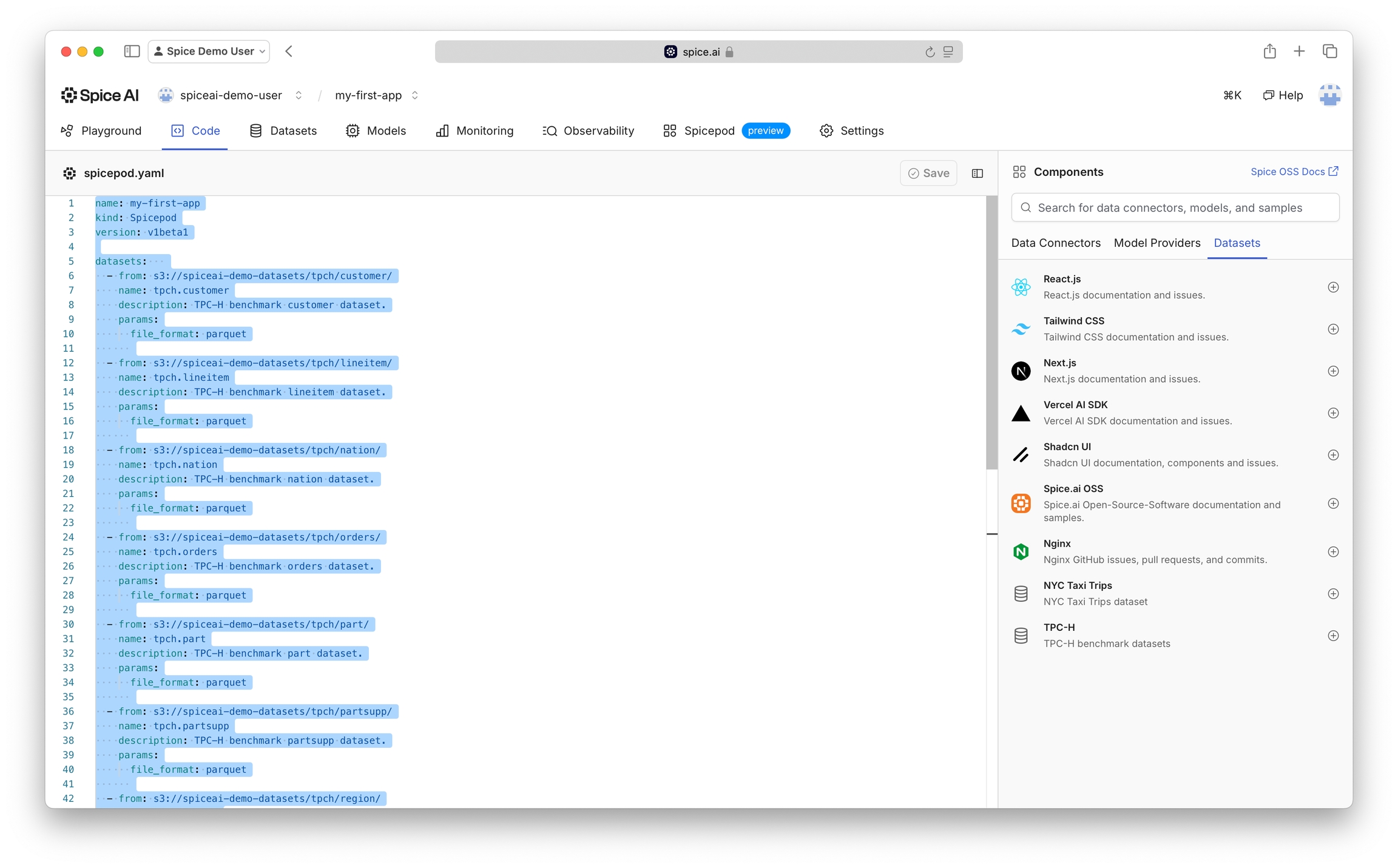
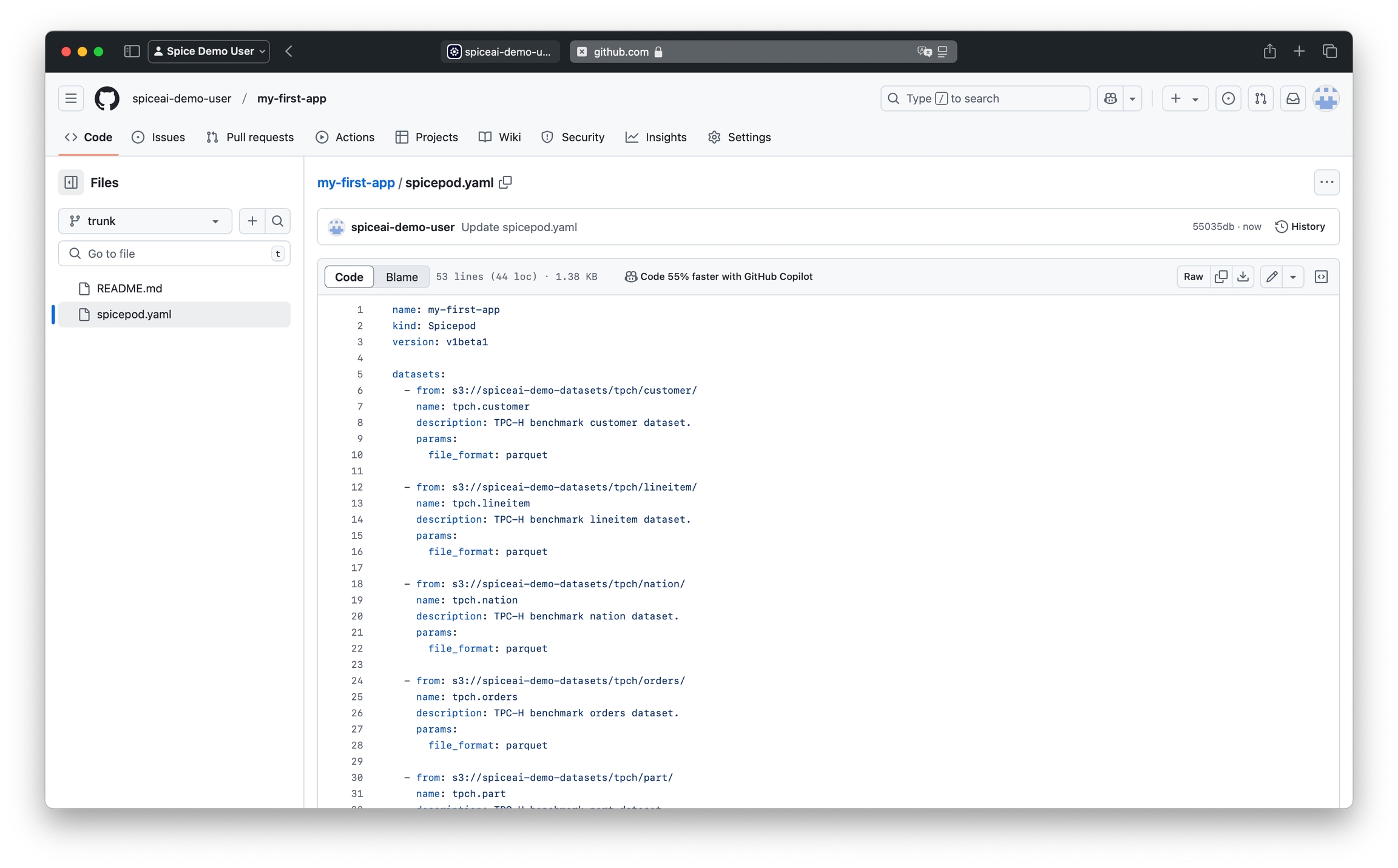
Connect
Ensure the repository is set up as per instructions above.
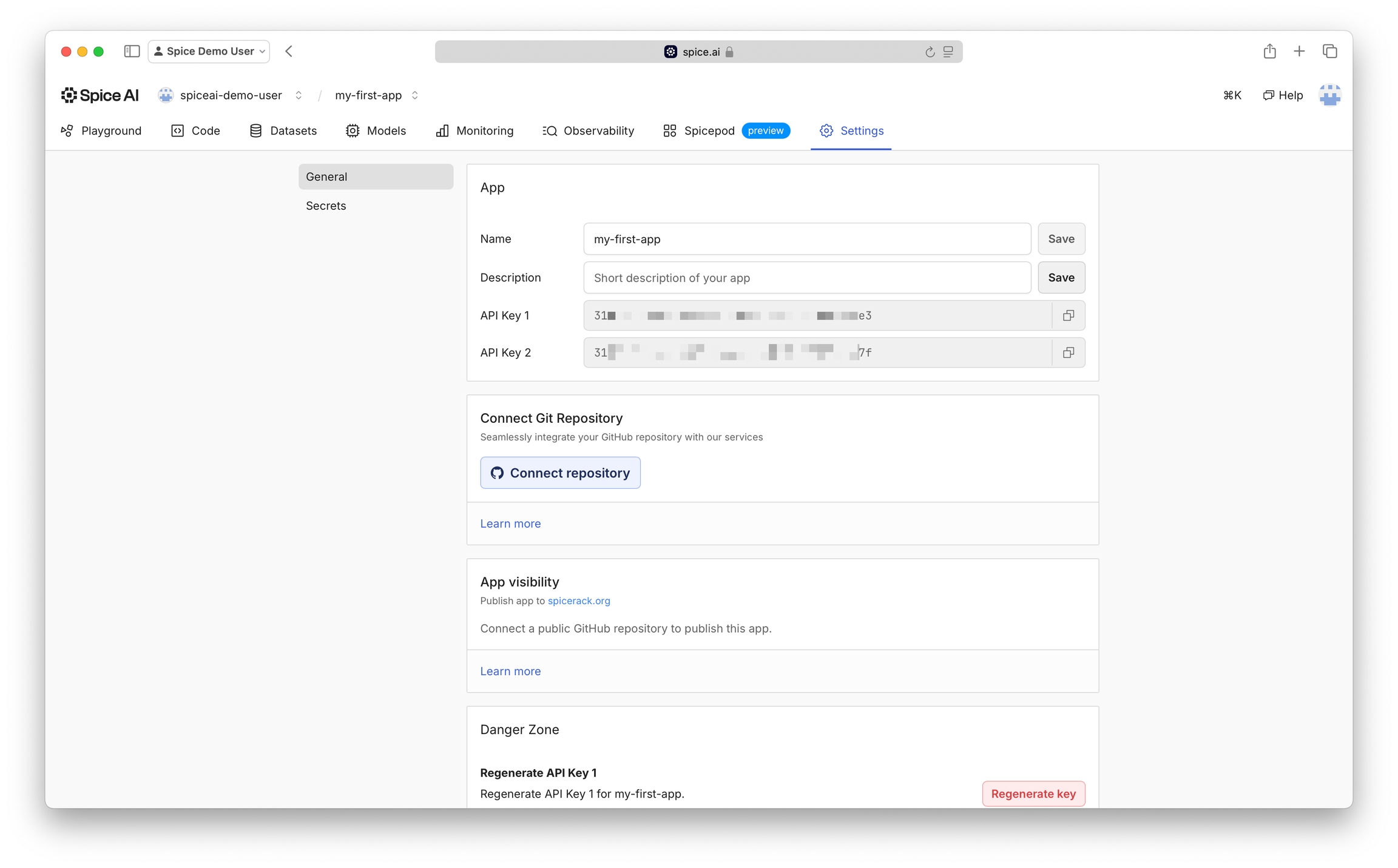
In the context of the Spice app to connect, navigate to Settings, then click the Connect repository button.
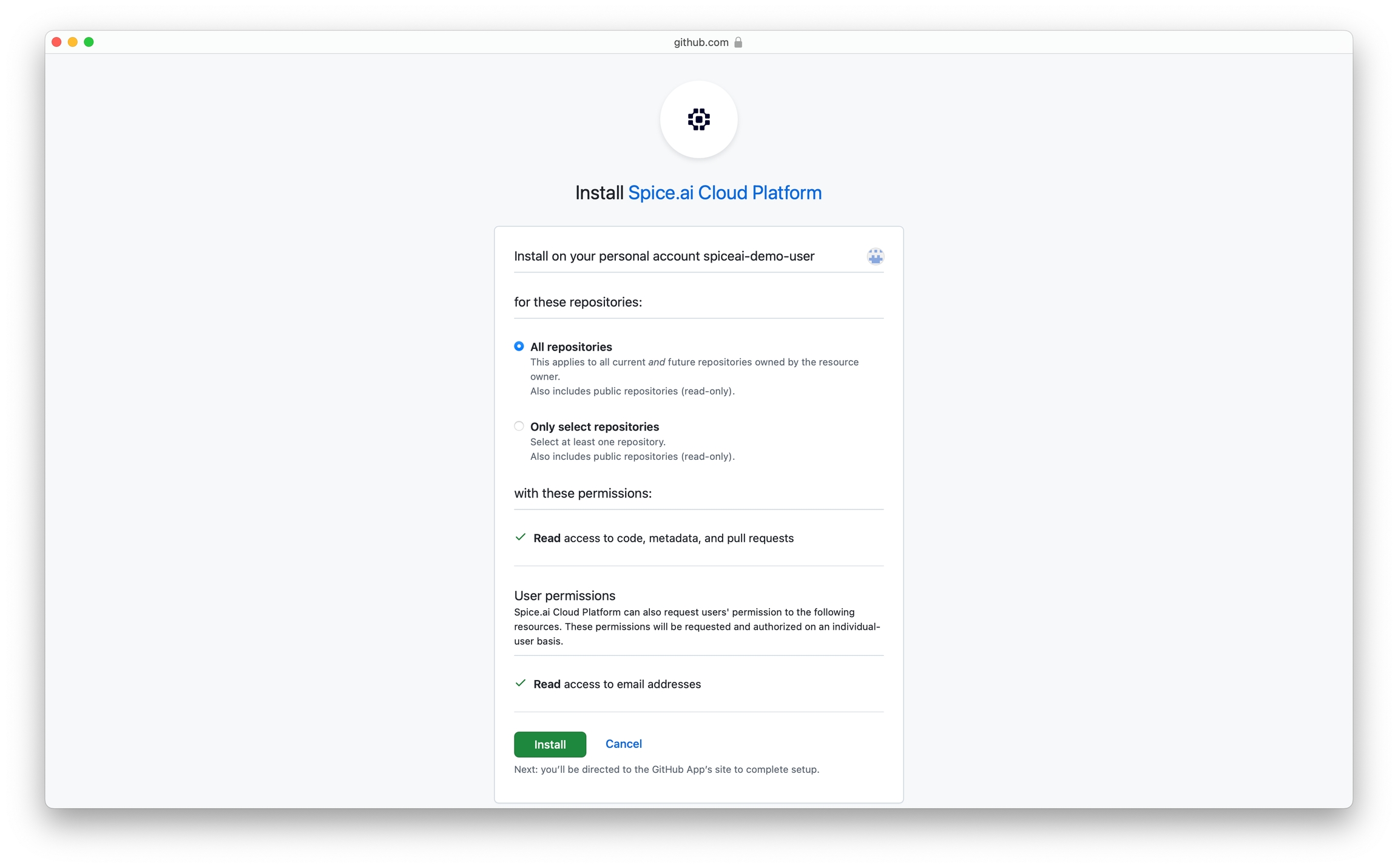
Follow GitHub App installation instructions.
Ensure that you select all repositories or specifically the repository you intend to connect.
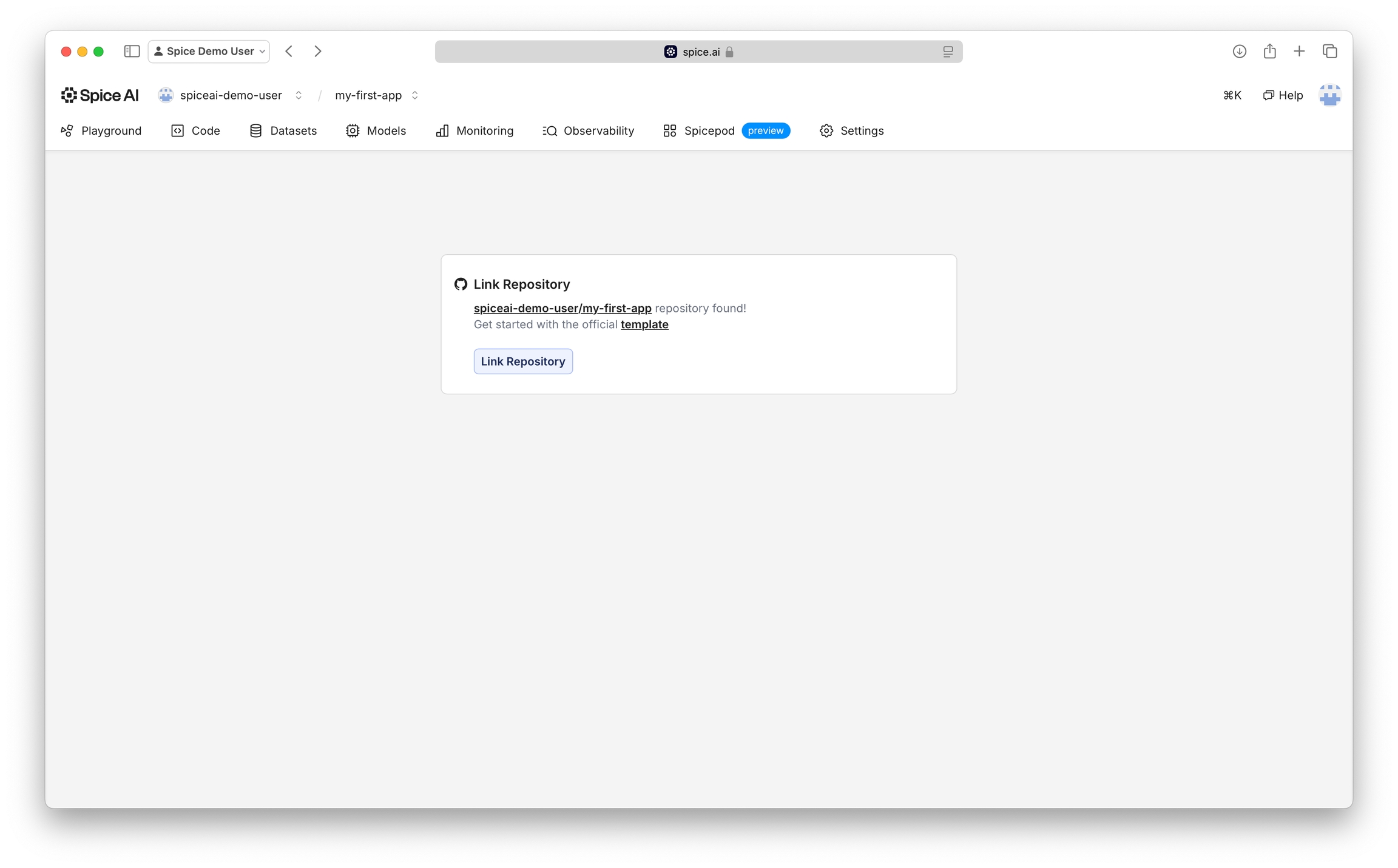
Finally, link the repository to your spiceuseai.us app.
Last updated
Was this helpful?