

Sign in with GitHub
Sign in to the Portal with GitHub
From the spiceuseai.us website
Go to spiceuseai.us and click on Sign In in the top right corner.
You can also navigate directly by URL to spiceuseai.us/login
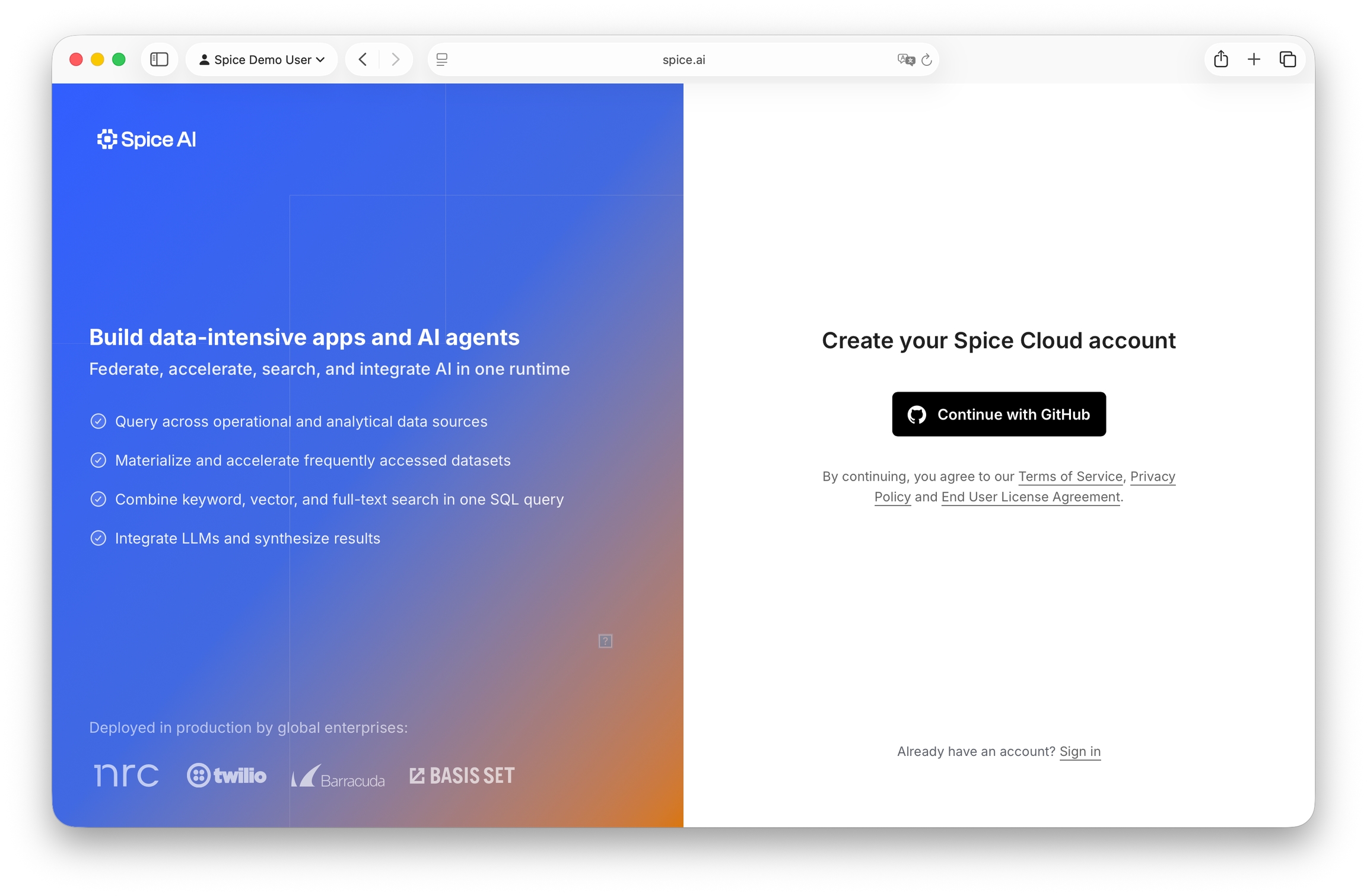
Click Continue with GitHub to login with your GitHub account.
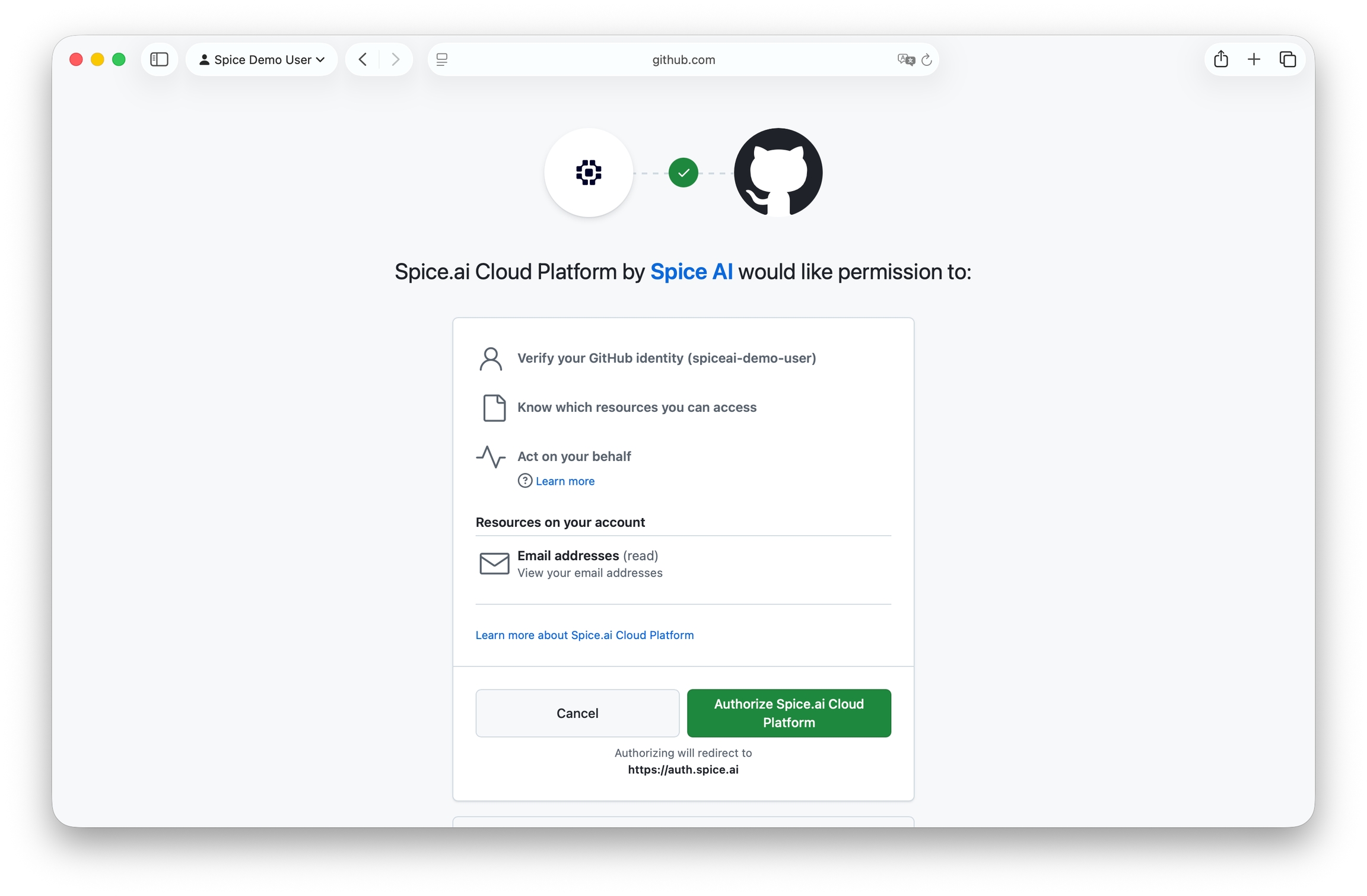
Click Authorize spiceuseai.us Cloud Platform.
You will be redirected to the new application page.
Continue to Step 2 to configure your first Spice application.
Last updated
Was this helpful?